DTF Transfer File Specs: The Exact Format We Need
The difference between a clean transfer and a reprinted order usually starts at file setup. Here are the exact specs GoldenDTF requires, with no assumptions and zero guesswork.
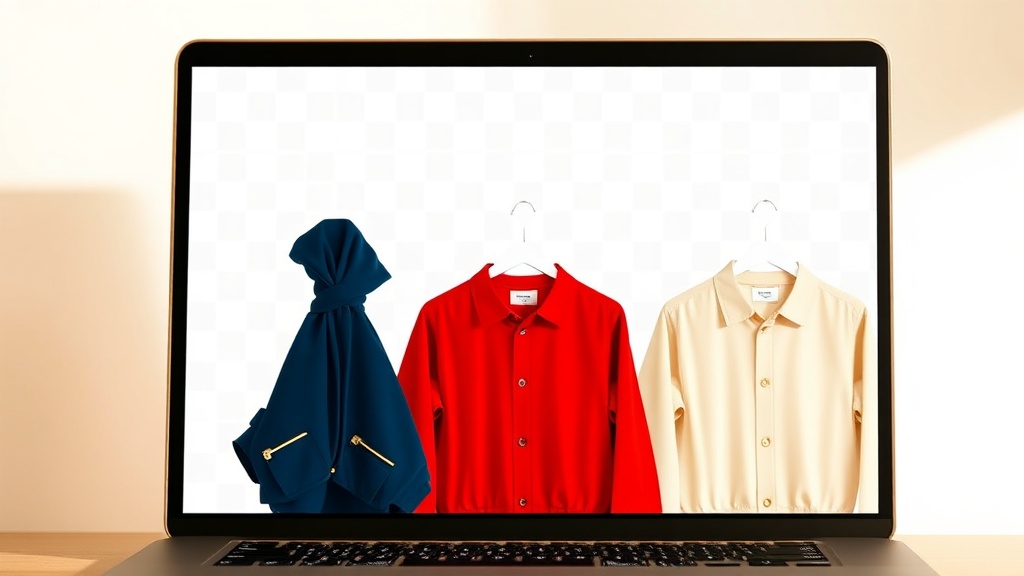
The Required Format: 300 DPI PNG With a Transparent Background
We print from 300 DPI PNG files with a transparent background. That is the baseline spec. Not 150 DPI, not a JPG, not a screenshot from Canva scaled up in Photoshop. 300 DPI at the final print size is what the RIP software needs to produce a transfer with clean edges and full detail on the finished film.
Transparent background means your artwork has no white box around it. When the transfer is pressed, the ink sits exactly where you drew it. No white halo, no visible bounding box, no extra color you did not intend.
RGB Color Mode, Not CMYK
DTF printers output in CMYK inks, but they convert from RGB internally through the RIP software. Submit your files in RGB color mode. CMYK files fed directly into the RIP produce unpredictable color shifts, especially in purples, oranges, and saturated neons. Build your file in RGB and let our raster processor handle the conversion.
If you are working in Adobe Illustrator or Photoshop, check Document Color Mode before exporting. Canva exports in RGB by default, which is correct. Illustrator defaults to CMYK for print documents, which is the most common reason files need to be sent back.
Size Your Canvas to the Final Print Size
If you want a 4-inch left chest graphic, make your PNG canvas 4 inches wide at 300 DPI. That is 1,200 pixels wide. Do not submit a 4,000 x 4,000 pixel file and expect us to guess the intended print size. When canvas size and artwork match the intended print dimensions, there is no ambiguity in production and your transfer prints exactly as designed.
- Left chest (4 inches wide): 1,200 px wide at 300 DPI
- Full front (11 inches wide): 3,300 px wide at 300 DPI
- Back (12 inches wide): 3,600 px wide at 300 DPI
- Sleeve (3.5 inches wide): 1,050 px wide at 300 DPI
Text, Thin Lines, and Fine Detail
Minimum line weight for DTF is 1pt at print size. Serif fonts under 6pt tend to fill in or break apart on the transfer. If your design has very small text, convert it to outlines before saving, then inspect the result at 100% zoom. What looks crisp at 50% zoom in Illustrator regularly surprises decorators when they see it at actual print dimensions.
Pre-Flight and What Happens After You Upload
We run a pre-flight check on every file before it enters the print queue. If there is a resolution problem or a color mode issue, we contact you before printing anything. Same-day shipping on orders placed before 1 pm ET applies to files that pass pre-flight without a revision cycle. Getting the file right the first time is the fastest path to your transfer arriving on schedule.