
How to Format a Team Roster File for DTF Orders
Sending a roster as a PDF or a photo of a handwritten list is how misprints happen. Here is the exact column structure that lets you, your decorator, and production all work from the same clean data.
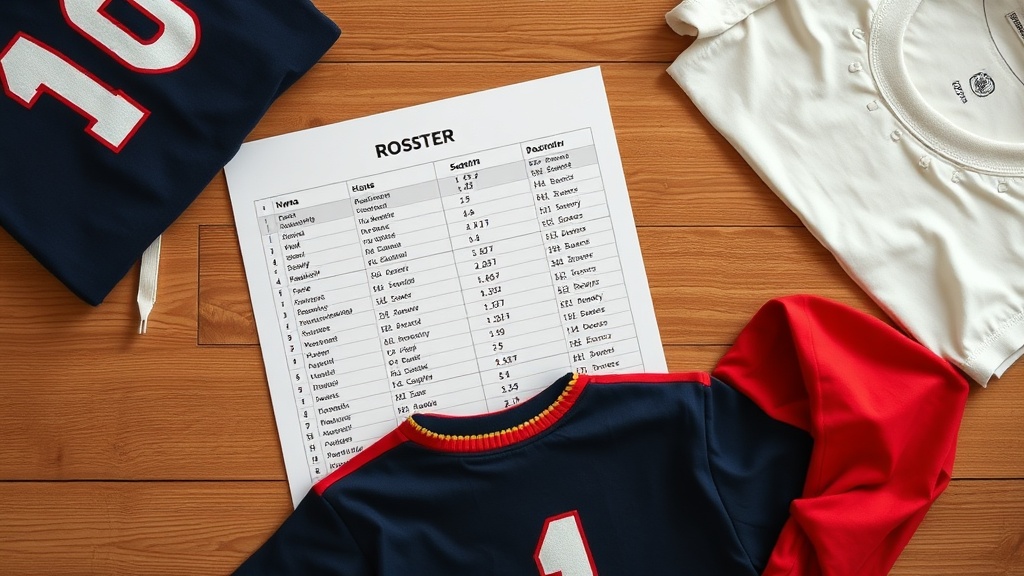
The Problem With Free-Form Rosters
A roster submitted as a text message, voice note, or handwritten photo introduces transcription errors at every step. Every time someone reads a handwritten name and types it, there is a chance of a mistake.
A clean spreadsheet is not bureaucratic overhead. It is the simplest way to move data from you to production without errors.
The Standard Column Structure
Use this layout exactly. Do not combine columns or add notes inside data cells.
- Column A: Row number (1, 2, 3 for internal tracking)
- Column B: Last name
- Column C: First name
- Column D: Jersey number (include leading zeros: 01, 07)
- Column E: Print size for name (e.g., 2-inch tall, 3-inch tall)
- Column F: Print size for number (e.g., 8-inch back, 3-inch sleeve)
- Column G: Garment size (Youth S, Youth M, Youth L, Adult S, M, L, XL, 2XL)
- Column H: Quantity (usually 1, sometimes 2 for home and away sets)
- Column I: Notes (any special instruction for that player only)
Naming and Number Formatting Rules
Names should appear exactly as they should print. All caps if that is your style. Mixed case if not. Do not leave it to interpretation. If the player's name is Tyrell, the roster should say Tyrell, not T. Williams.
Numbers with leading zeros matter. Jersey number 7 is different from 07 on a uniform. Decide your convention and apply it consistently across the entire roster.
File Format and Delivery
Save as CSV or Excel (.xlsx). Google Sheets exports cleanly to both. Do not send a PDF. A PDF cannot be imported into a production system without manual rekeying, which reintroduces the error risk you were trying to eliminate.
Name the file descriptively: TeamName_Sport_Season_Roster.xlsx. This makes version control easier when the roster inevitably needs an update.
Locking the Roster Before Production
Once you submit the roster, it is final. Changes after production starts cause delays and material waste. If a last-minute correction is unavoidable, submit it as a separate row clearly labeled as an amendment, not as an edit to the original file. Production will see a clean delta and act on it correctly.
Sadie also wrote about