
The PTA Order Form Template for DTF Jobs
A bad order form means chasing down sizes, misspelled names, and missing payments for weeks. Here is the exact field structure that collects everything you need the first time, without a single follow-up email.
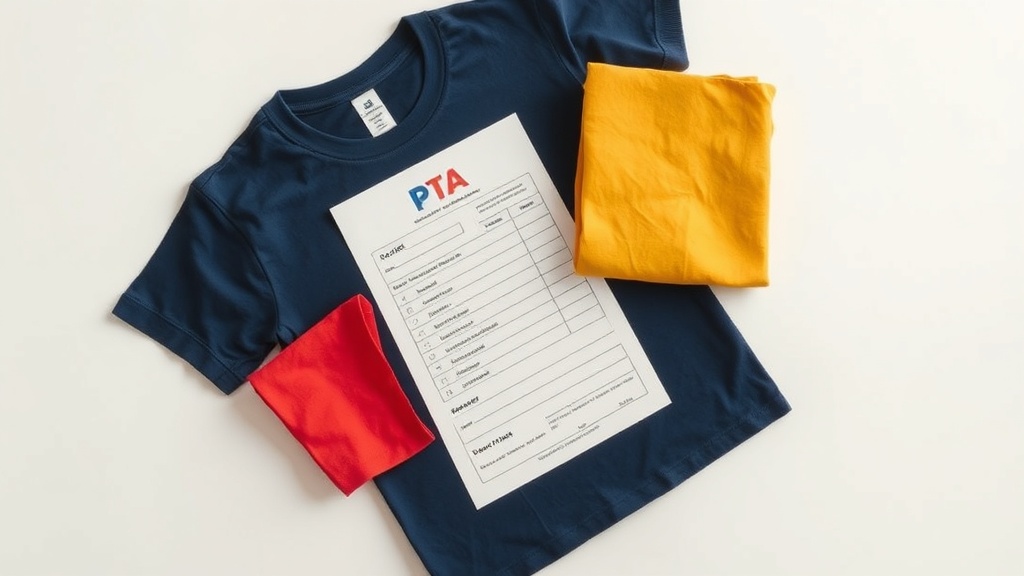
Why Most School Order Forms Fail
The typical PTA order form asks for name, size, and quantity. That is not enough. It misses payment method, grade level for delivery routing, and personalization details. You end up sending follow-up messages to half the respondents.
A well-designed form collects everything upfront and makes fulfillment a checklist, not a detective exercise.
Required Fields
Include every field listed below. Do not trim the list to make the form shorter. The two minutes a parent spends filling this out saves you hours of follow-up.
- Parent or guardian name (for payment reconciliation)
- Student name (for delivery routing by classroom or grade)
- Grade and teacher name (for distribution)
- Shirt style if offering multiple options (short sleeve, long sleeve, hoodie)
- Size: Youth S, Youth M, Youth L, Adult S, M, L, XL, 2XL
- Quantity per size
- Personalization if applicable: name on sleeve, number on back, exact spelling required
- Payment: amount due and accepted methods (cash, Venmo, check payable to...)
- Order deadline stated at the top and bottom of the form
Google Forms vs. Paper
Google Forms with payment collected separately via Venmo or a class payment platform is the current best practice for most PTAs. It automatically generates a spreadsheet you can hand directly to your decorator without any manual data entry.
Paper forms work for schools without reliable parent email access. If you go that route, designate one person to enter all data into a spreadsheet before passing anything to production.
Building In a Buffer
Set your parent submission deadline at least 5 business days before your actual production deadline. Late submissions and size corrections will happen. The buffer absorbs them.
Communicate the submission deadline (when you need the form returned) separately from the distribution date (when shirts will be handed out). Conflating the two creates confusion and late requests.
Handling the Inevitable Last-Minute Changes
Accept zero changes after the order form closes. State this on the form itself: orders submitted after the deadline cannot be guaranteed. People will try anyway. Hold the line, or you will be reprinting indefinitely.
When personalization is involved, send a proof listing every name and number before pressing anything. One approval email prevents the reprint conversation entirely.
Sadie also wrote about